

Key Takeaway
Upgrade monitoring systems effortlessly with Advantech EdgeView—no downtime, zero impact, and live deployment in just two weeks!
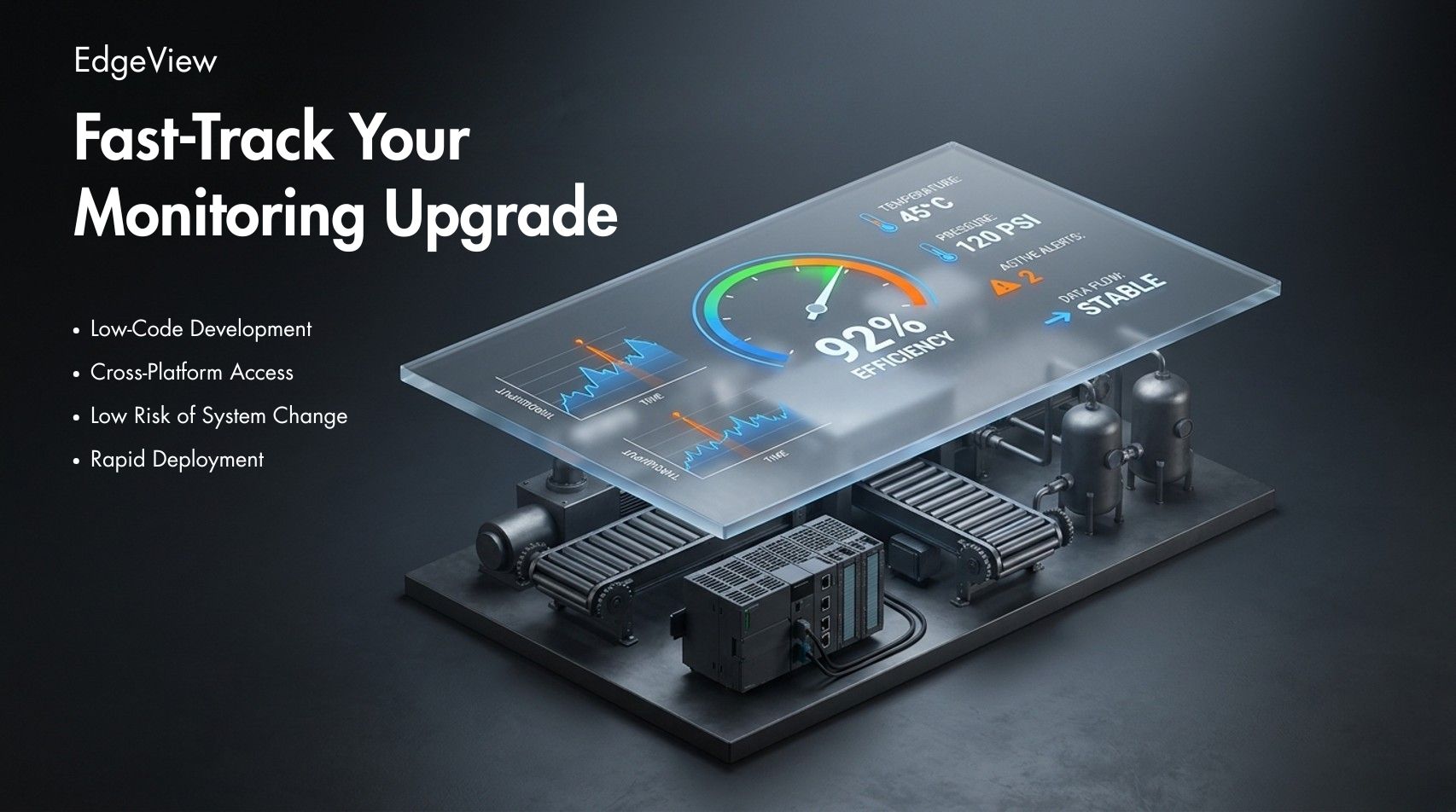
"We can't afford any disruption to what's already running."
The plant is live. The equipment is humming. The client wants better monitoring — but the moment there's any whiff of downtime risk, the door closes. Every SI knows this feeling.
And the conventional options don't help.
Upgrading the existing system means coordinating with the OEM, waiting on scheduling, and modifying control logic — a process that can drag on for months and carries real operational risk. Ripping and replacing everything requires capital and revalidation that most clients simply won't commit to for a plant that's already working.
So the project stalls. Not because the requirement is unclear, but because there's no option that's both fast enough and safe enough.
That's the gap Advantech EdgeView was built to fill.
Add a Layer, Don't Replace the Stack
EdgeView's core idea is straightforward: bolt a visualization layer on top of what's already there — don't replace it.
It doesn't matter what the client's floor is running — HMIs, PLCs, SCADA systems, databases, IoT devices. EdgeView connects to existing data sources through standard industrial protocols and reads what it needs. The control logic stays exactly as it is. Nothing in the existing setup gets touched.
For SIs, that changes the dynamic in a proposal. "Zero impact on existing systems" stops being a disclaimer you nervously footnote — it becomes the first thing you say.
Two Weeks to Go Live — and That's Not a Marketing Claim
"Two weeks" sounds like something a sales deck would say. But EdgeView's development environment is genuinely built around that timeline.
A drag-and-drop interface builder, 22+ pre-built industrial components, 12 chart types, 13 animation effects — all configured without writing a line of code. Conditional animations, trigger logic, and data bindings are handled through a visual editor. You can preview in real time during design with live data connected, so there are no surprises when you go to deploy.
In practice: Week 1 is prototyping and getting client sign-off. Week 2 is refinement and go-live.
On a tight-deadline project, that speed isn't just convenient — it's the difference between winning the bid and watching someone else take it.
Build Once, Run on Desktop, Web, and Mobile
Almost every client asks this now: "Can we get it on mobile?"
EdgeView's architecture is one project, all platforms. The same screens run on desktop clients (Windows, Linux), web browsers (Chrome, Edge, Firefox), and iOS and Android apps.
Where that used to mean three separate development efforts, it's now one. Management gets their dashboard. Floor operators get their workstation view. The plant manager on the road gets the same data on their phone — all from a single deployment.
The client feels like they got three deliverables. You only built one.
Every Project Makes the Next One Faster
For SIs, the real value of a good toolset isn't just what it does on the current project — it's what it sets up for the next one.
EdgeView supports model export and import, so the component libraries, screen layouts, and logic blocks you build for one client can be packaged and reused in the next. Everything is password-protected, so your work stays yours.
The first project builds the foundation. By the third or fourth, you're deploying in days, not weeks. That's not just efficiency — it's margin.
Real Projects It's Built For
EdgeView isn't a one-size-fits-all tool pitched at everyone. These are the situations where SIs actually reach for it:
When the SCADA or HMI works fine, but the dashboards don't. Management wants visibility that operators weren't the original audience for. EdgeView layers on top and gives them what they need — without touching what keeps the plant running.
When the shop floor needs a live view. Production status, OEE, WIP counts — the kind of real-time data that electronic kanban boards are built around. Configurable without code, deployable fast.
When the client runs multiple sites. A unified view across distributed facilities, aggregated through EdgeHub — without per-site licensing fees adding up with every location you add.
When "mobile access" is a requirement, not a bonus. The same project that runs on a control room workstation extends to iOS and Android. No need to rebuild the project; quickly adapt existing visuals to build a mobile application.
Unlimited Client Connections — Only Server-Side License Fee Applies.
EdgeView clients are free, with no limit on connections.
Five workstations or fifty browser sessions — the licensing cost doesn't change. That's a straightforward story to tell a client, and one less variable to manage when scoping a project.
See It for Yourself
EdgeView is available in several licensing configurations — including a WebAccess SCADA version, an OPC UA Basic version, and a mobile app add-on — to fit different project environments.
If you're evaluating options for an upcoming monitoring project, the best next step is to see it in action. Visit the Advantech EdgeView product page for full specs and licensing details, or reach out to an Advantech representative to discuss your specific requirements.